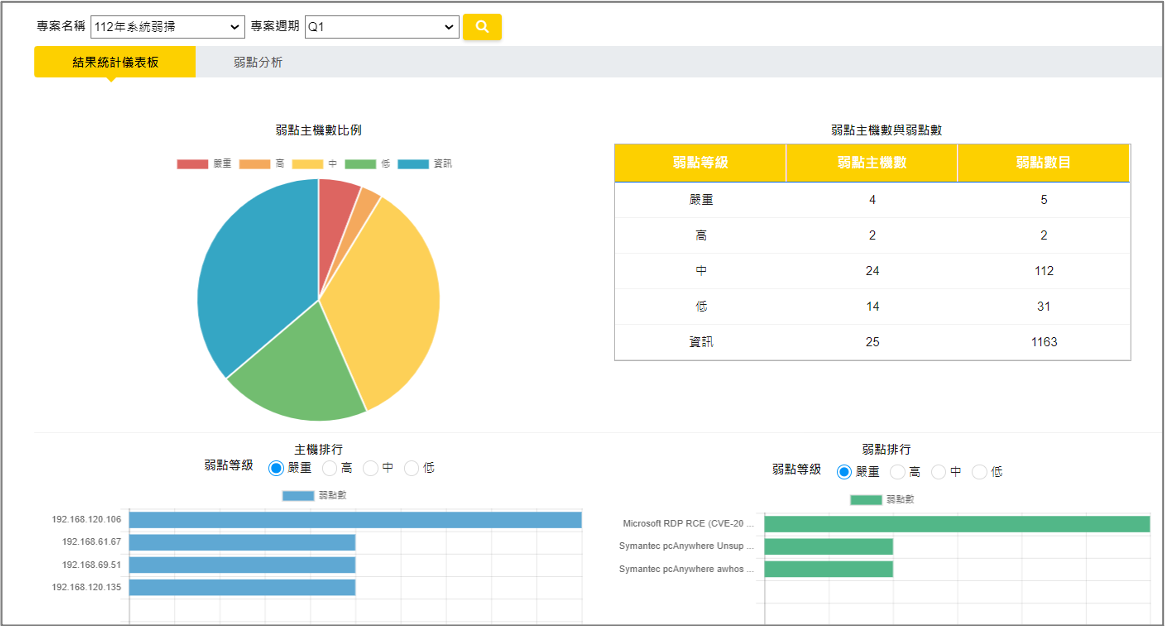
1. Remediation Status
Quickly review remediation status via dashboard and generate vulnerability tracking reports.
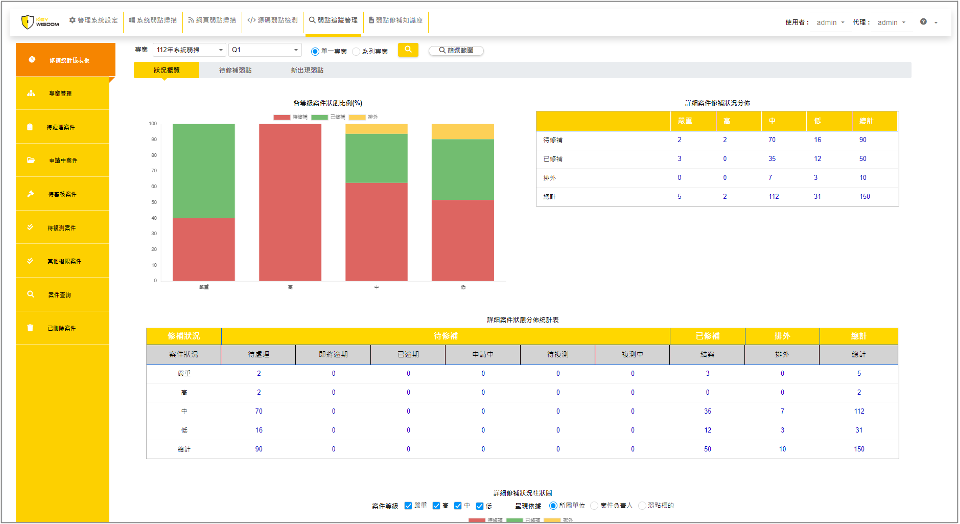
2. Verification & Closure
The system auto-compares initial and retest data, delivering clear results. Once remediation is complete, closing the case generates tracking reports that summarize remediation by department and severity, and highlight vulnerability trends across projects.
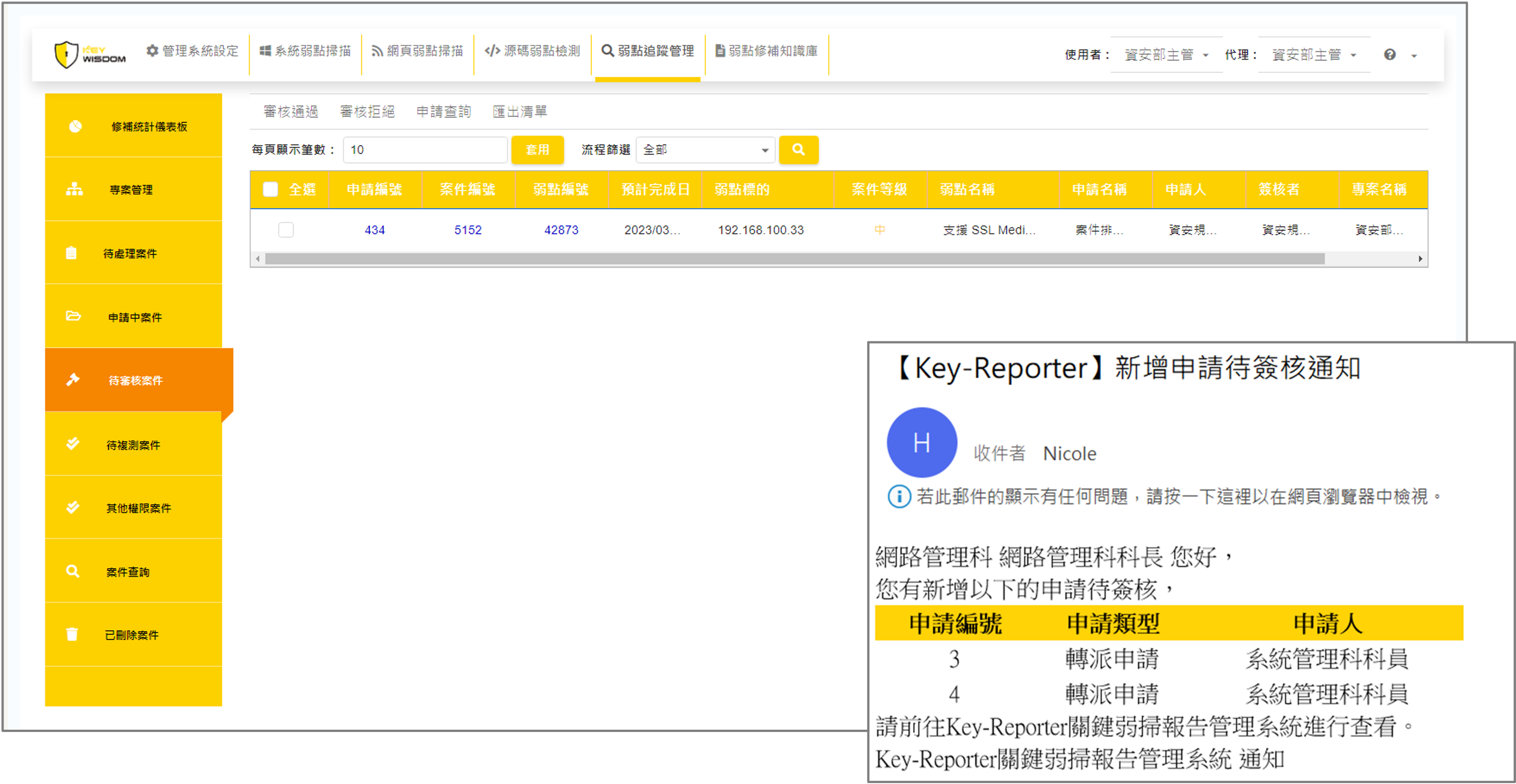
3. Authorization
Applications and related details are submitted and recorded in the system. Approving managers can view pending requests under “Cases Awaiting Review.”
4. Remediation Request
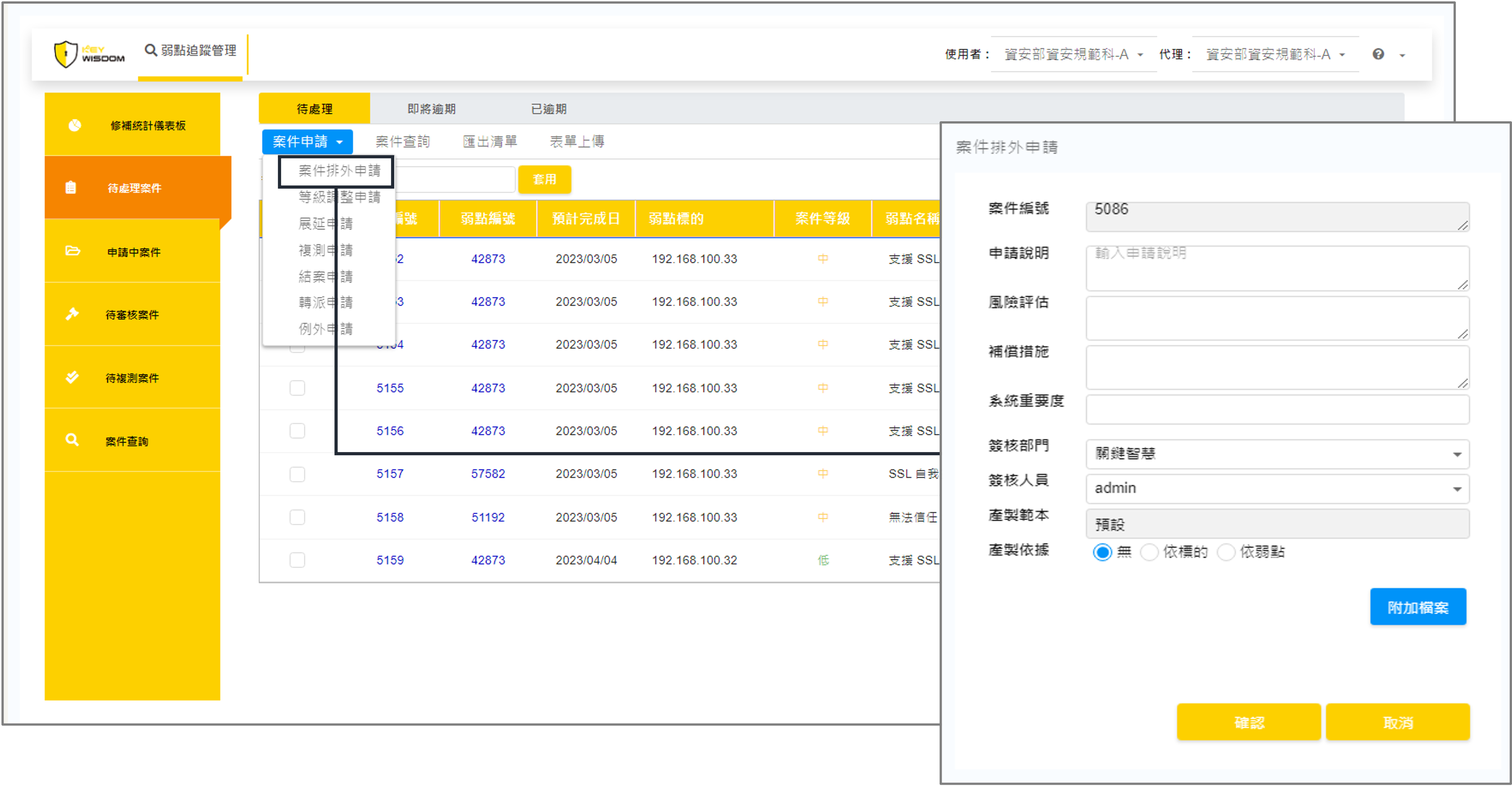
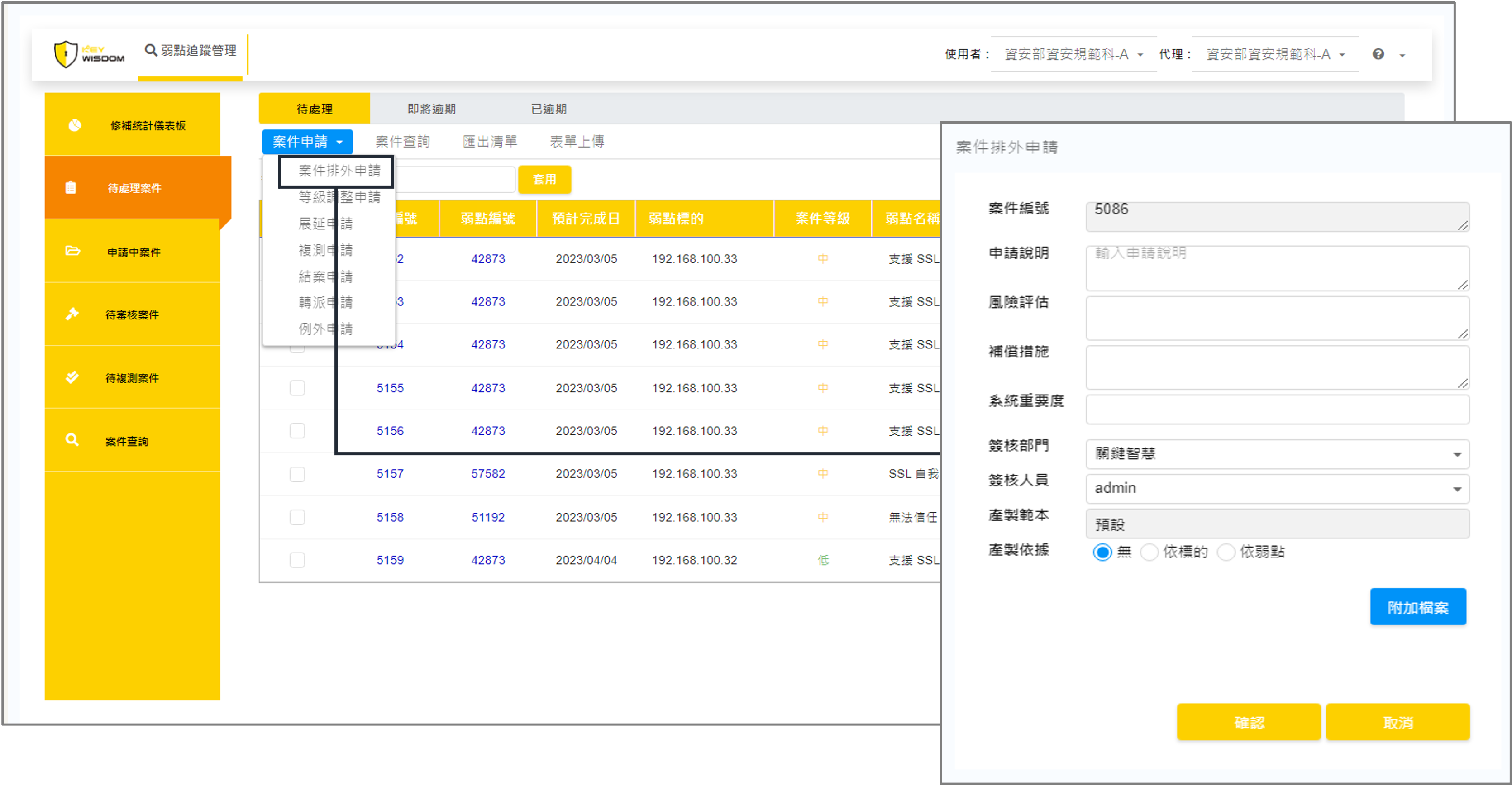
Unlike traditional offline processes that scatter emails and attachments, Key-Reporter centralizes all actions—such as exception handling, extensions, retests, closures, and reassignments—within a single system. It also allows users to select multiple cases to submit requests with a shared justification.
5. Remediation Consultation
Key-Reporter includes a built-in remediation knowledge base, allowing users to follow clear guidance for vulnerability fixes. It also offers on-site consulting, plus 5x8 phone and email support.
6. Assignment / Notification
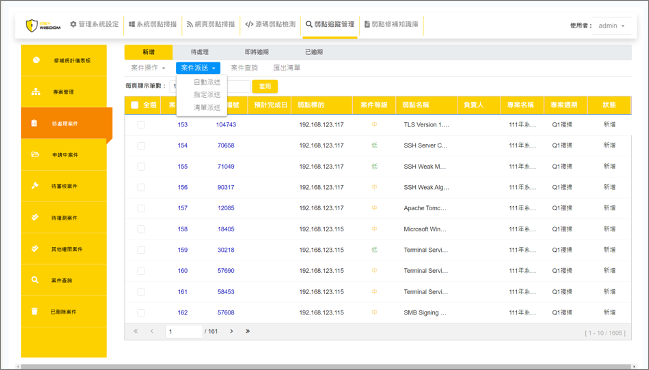
Once a case is created, the system assigns it to the appropriate remediation personnel based on asset mapping. If automatic assignment fails or special handling is needed, manual assignment is also available.
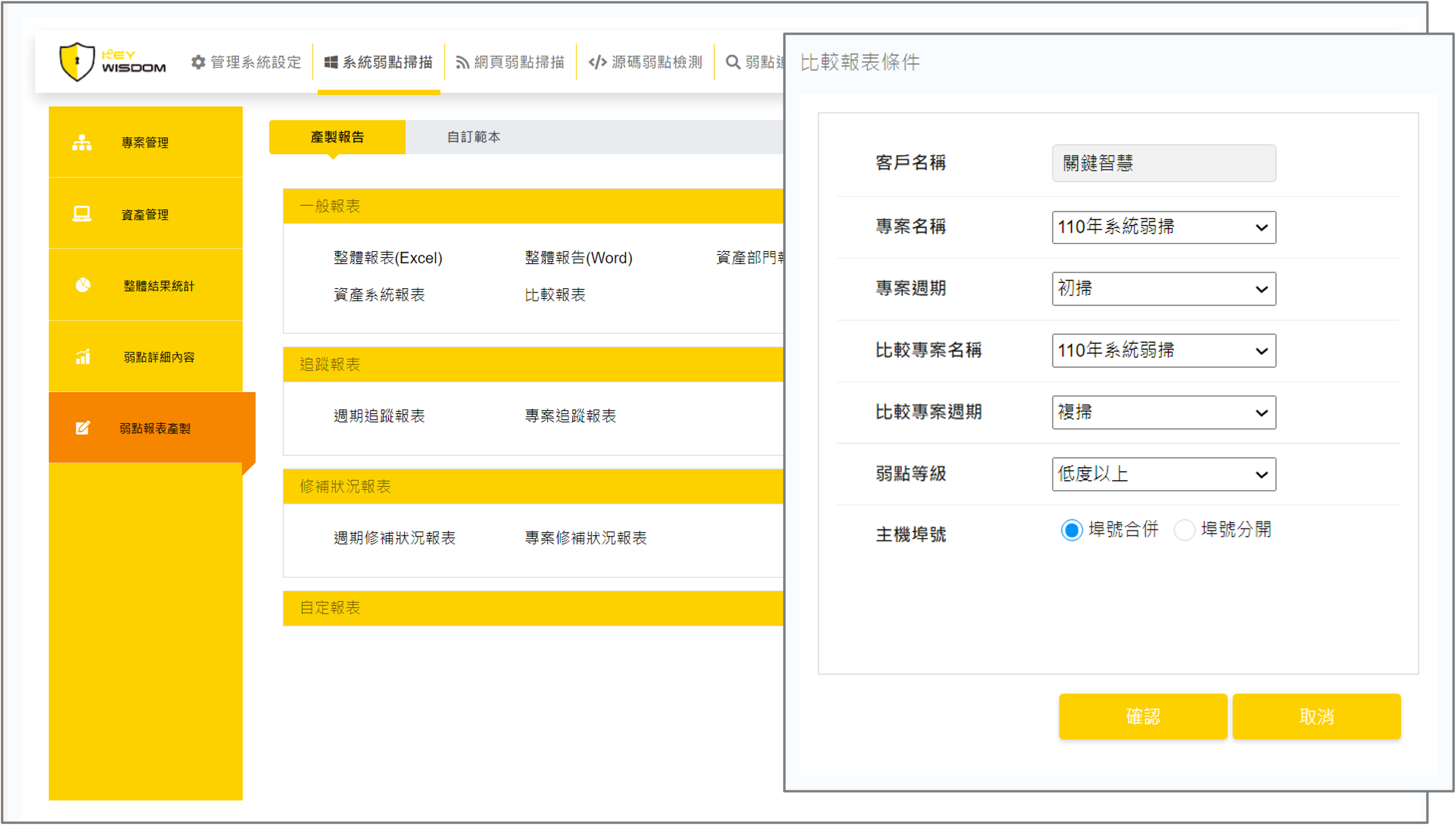
7. Generate reports
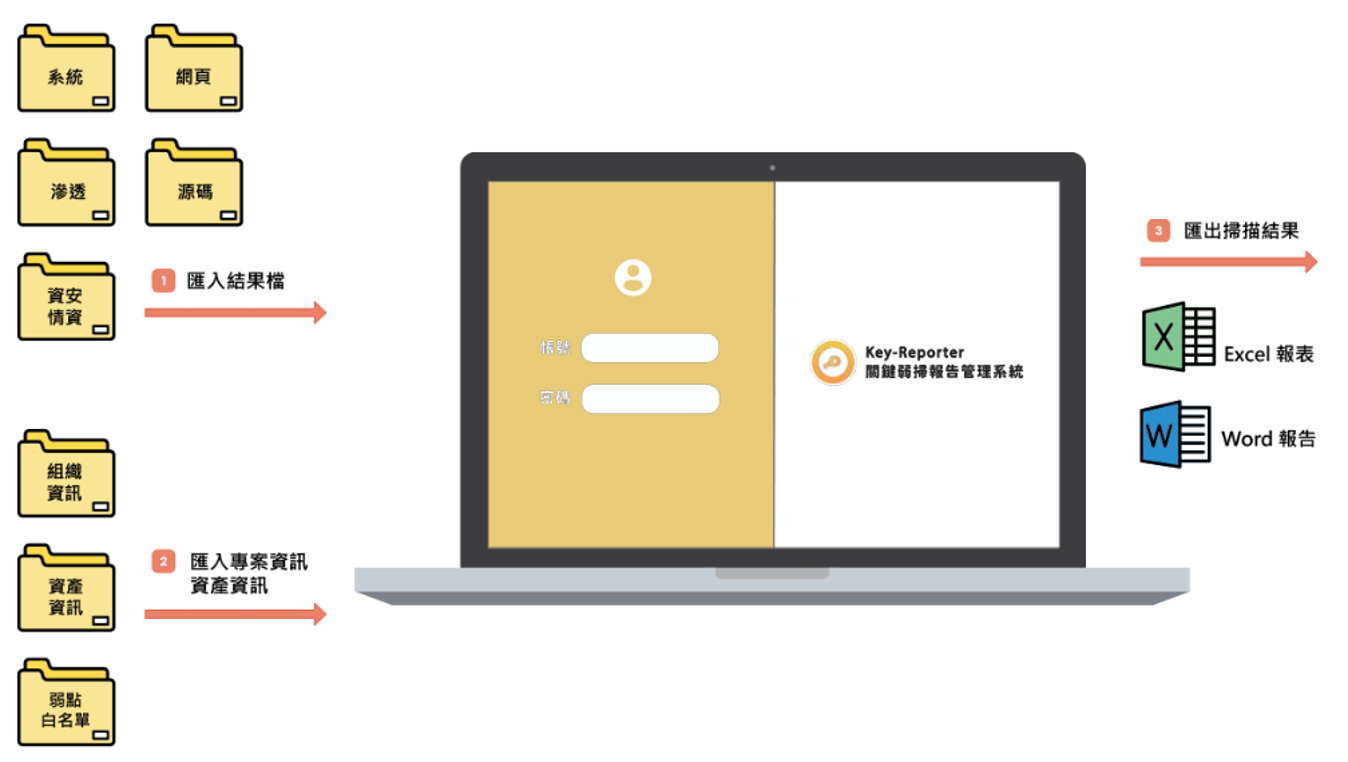
Key-Reporter supports importing various scan results, including system and web vulnerability scans, penetration tests, and source code assessments. Reports can also be exported to Word or Excel formats.
8. Scanning results
Provides visual dashboards for security teams to easily review data.